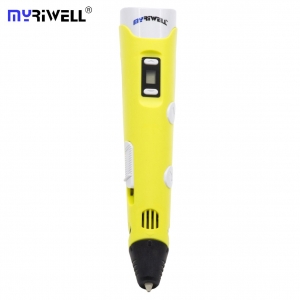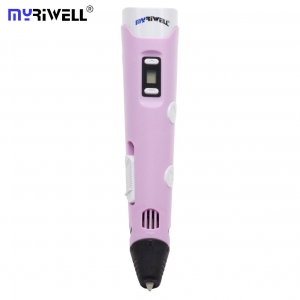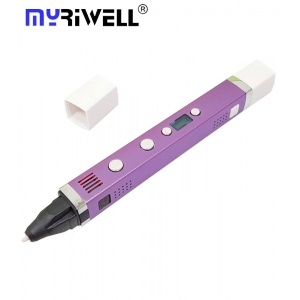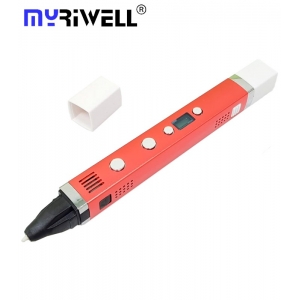
What is a 3D pen, and how does it work?
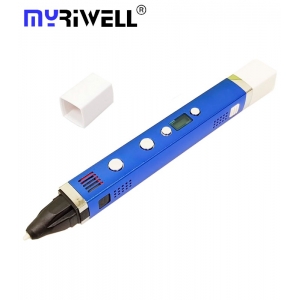
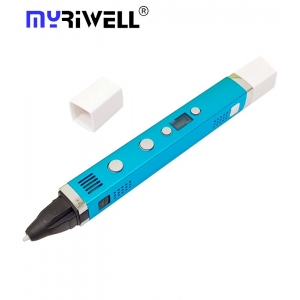
A 3D pen is an innovative creative tool that allows you to create three-dimensional objects by drawing directly in the air. Unlike conventional pens that use ink, a 3D pen works with plastic filaments such as ABS or PLA plastics.
The principle of operation of a 3D pen is as follows:
- Inside the pen is a heating element that melts the plastic filament.
- The melted plastic is extruded through a thin nozzle at the end of the pen.
- Upon contact with air, the plastic quickly hardens, forming a solid structure.
This process allows you to create both flat drawings and volumetric figures, limited only by your imagination.
How to draw with a 3D pen: step-by-step guide
Mastering the technique of drawing with a 3D pen is not as difficult as it might seem at first glance. Here's a step-by-step guide for beginners:
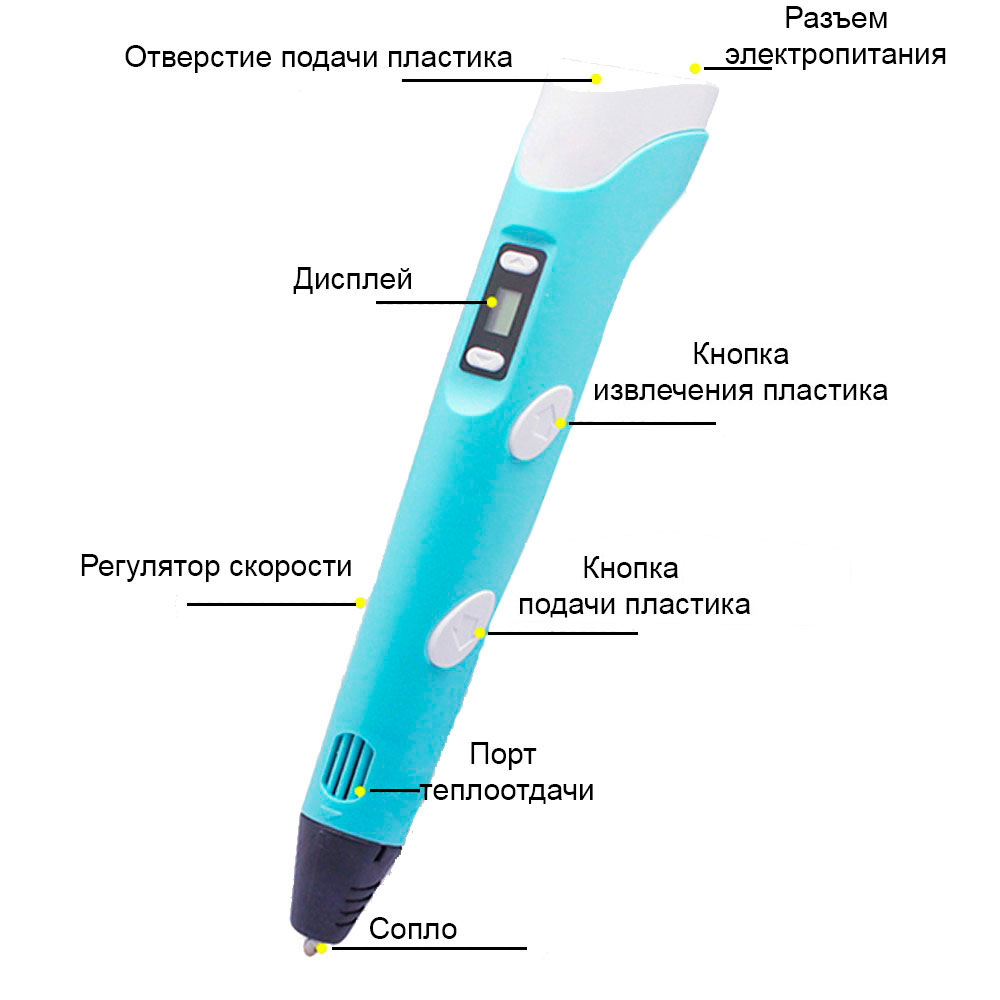
- Connect the 3D pen to a power source and turn it on.
- Allow the pen to heat up to operating temperature (this usually takes 1–2 minutes).
- Insert the plastic filament into the material feed hole.
- Press the plastic feed button and wait until it starts coming out of the nozzle.
- Start drawing by slowly moving the pen across the surface or in the air.
- To create volumetric figures, build up layers of plastic gradually, allowing each layer to cool slightly.
- To finish a line, release the plastic feed button and gently pull the pen to the side.

Applications of a 3D pen: creative possibilities
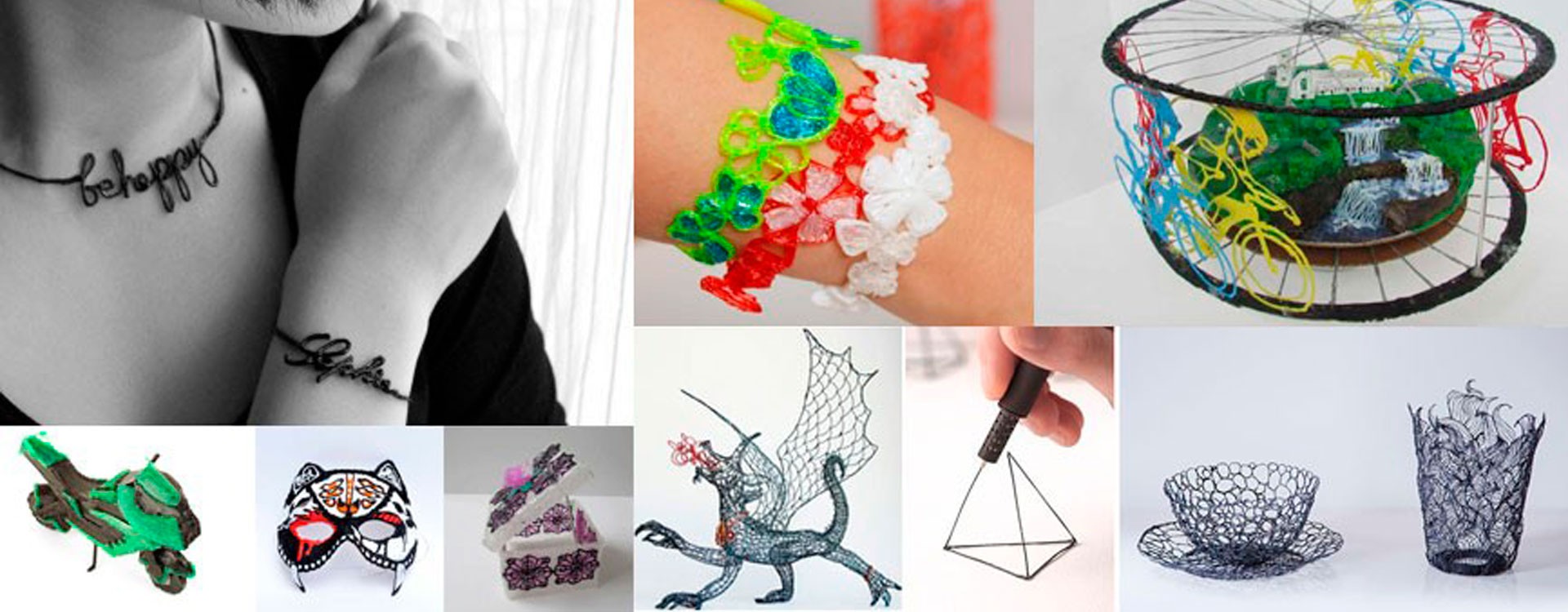
A 3D pen opens up a wide range of possibilities for creativity and practical applications. Here are some ideas:
- Creating unique jewelry: pendants, earrings, bracelets;
- Making decorative elements for the home: stands, photo frames, vases;
- Personalizing items: customizing phone cases, laptops, stationery;
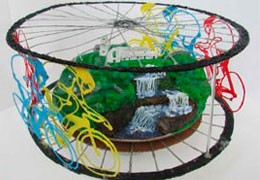
- Artistic creation: creating volumetric paintings and sculptures;
- Educational purposes: 3D modeling of geometric shapes, molecules, architectural elements;
- Repair and modeling: fixing plastic parts, creating prototypes.
How to choose a 3D pen: key features
When choosing a 3D pen, pay attention to the following characteristics:
- Type of plastic: make sure the pen supports the types of plastic you need (ABS, PLA, PETG, etc.);
- Temperature adjustment: the ability to adjust the temperature allows you to work with different materials;
- Plastic feed speed: adjustable speed provides more precise control over the drawing process;
- Ergonomics: choose a pen that is comfortable to hold and doesn't overheat with prolonged use;
- Additional features: LCD display, automatic plastic feed, standby mode can make work more comfortable;
- Included accessories: pay attention to the availability of additional accessories and spare parts in the kit;
- User reviews: study the experience of other owners before buying.
The difference between ABS and PLA plastics
The two most common types of plastic for 3D pens are ABS and PLA. Each has its own characteristics:
ABS (Acrylonitrile Butadiene Styrene):
- More durable and flexible material;
- Resistant to high temperatures;
- Requires a higher melting temperature (about 210-250 °C);
- May emit a slight odor when heated;
- Better suited for creating functional objects.
PLA (Polylactic Acid):
- Environmentally friendly material, produced from plant-based raw materials;
- Has a lower melting temperature (about 160-220 °C);
- Easier to use, especially for beginners;
- Available in a wide range of colors, including transparent and metallic shades;
- Ideal for decorative items and working with children.
How to load plastic into a 3D pen
The process of loading plastic into a 3D pen is simple but requires care:
- Make sure the pen has heated up to operating temperature;
- Insert the plastic filament into the material feed hole;
- Press the plastic feed button;
- Gently press on the plastic until you feel the feed mechanism grab it;
- Wait until the plastic starts coming out of the nozzle;
- To change the color or type of plastic, first remove the old plastic by pressing the reverse feed button;
- After completely removing the old plastic, insert the new one, following steps 2-5.
Important: When changing the color of the plastic, for the first few seconds, a mixture of the old and new color will come out of the nozzle. Before you start drawing with the new color, extrude a small amount of plastic to ensure the color is uniform.
Adjusting the speed of a 3D pen
Most modern 3D pens allow you to adjust the speed of plastic feed. This is an important function that affects the thickness of lines and work speed:
- Low speed is suitable for detailed work and thin lines;
- Medium speed is optimal for most tasks;
- High speed is used for quickly filling large areas.
Experiment with different speeds to find the optimal mode for your project.
Maintenance and care for a 3D pen
Proper care for your 3D pen will extend its lifespan and ensure quality work:
- Regularly clean the nozzle of plastic residue with a soft brush or cloth;
- Don't leave plastic in the pen after finishing work, always remove it;
- Store the pen and plastic in a dry place, protected from direct sunlight;
- Periodically check and tighten all screws and connections;
- If problems arise with plastic feed, try cleaning the feed mechanism with a soft brush;
- When replacing the nozzle, always follow the manufacturer's instructions.
Advantages of using a 3D pen
A 3D pen has several advantages that make it a unique tool for creativity:
- Allows you to create three-dimensional objects without using a computer and complex software;
- Portability and ease of use;
- Instant visualization of ideas and rapid prototyping;
- Develops spatial thinking and fine motor skills;
- Suitable for a wide range of creative and practical tasks;
- An affordable alternative to 3D printers for small projects;
- Ability to work with different types of plastic to achieve various effects.
Tips and tricks for effective use of a 3D pen
To make the most of your 3D pen's capabilities, use the following tips:
- Start with simple projects: master basic techniques before moving on to complex models;
- Use templates: for creating symmetrical and precise shapes, draw on paper and then assemble the details into a three-dimensional object;
- Experiment with different types of plastic: mix colors and textures to create unique effects;
- Practice drawing in the air: start with simple vertical lines and gradually move to more complex shapes;
- Use a silicone mat: it will prevent plastic from sticking to the work surface;
- Control the temperature: different plastics require different temperatures, find the optimal mode for each material;
- Create frameworks: for large projects, first create a framework and then fill it with details;
- Combine with other techniques: use a 3D pen along with drawing, sculpture, or even 3D printing to create unique works;
- Regularly clean the nozzle: this will ensure even plastic feed and clean lines;
- Don't rush: quality results take time and patience, especially in the early stages of learning.
Remember that mastery comes with practice. Don't be afraid to experiment and create your own techniques for working with a 3D pen. Each project is an opportunity to learn something new and strengthen your skills.
A 3D pen is not only a tool for creativity but also an excellent way to develop spatial thinking, fine motor skills, and creativity. Whether you use it for a hobby, educational purposes, or professional tasks, a 3D pen opens up new horizons in the world of three-dimensional modeling and design.
Important: Always follow safety measures when working with a 3D pen. Don't touch the nozzle during operation, use the pen in a well-ventilated area, and store it out of reach of children when not in use.